The problem
Someone usually ends up copying names and sizes from sign-ups into a spreadsheet and then into an order form. That is where mistakes and late nights come from.
How it works
- Connect Planning Center once in the OTTM portal.
- Your upcoming events and sign-ups appear in the portal.
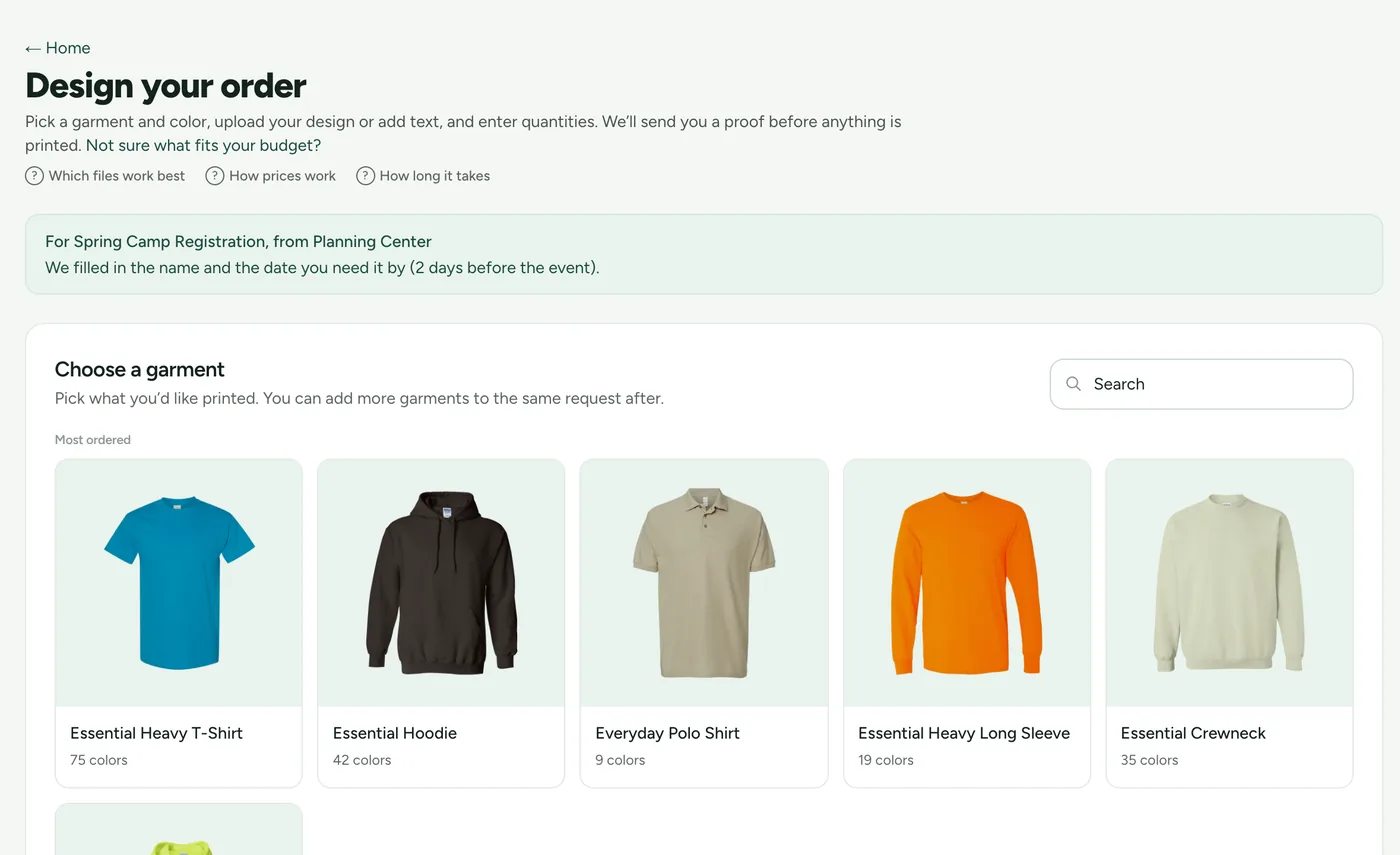
- Shirt sizes are counted for you, and the order is prefilled.
- You review the proof and approve it.
Your data stays yours
OTTM only reads from Planning Center. It never changes anything there and never stores your members' names.
Cost
The portal is free. You pay for your shirts, plus a design fee only if you ask us to create or refine artwork. You see that on your estimate before approving anything.
Who it is for
Churches that already use Planning Center for events and sign-ups: VBS, youth retreats, camps, mission trips, volunteer teams.